JWT Security: Common Implementation Mistakes
JWT security is one of the most misunderstood areas of web application security, and implementation mistakes in …
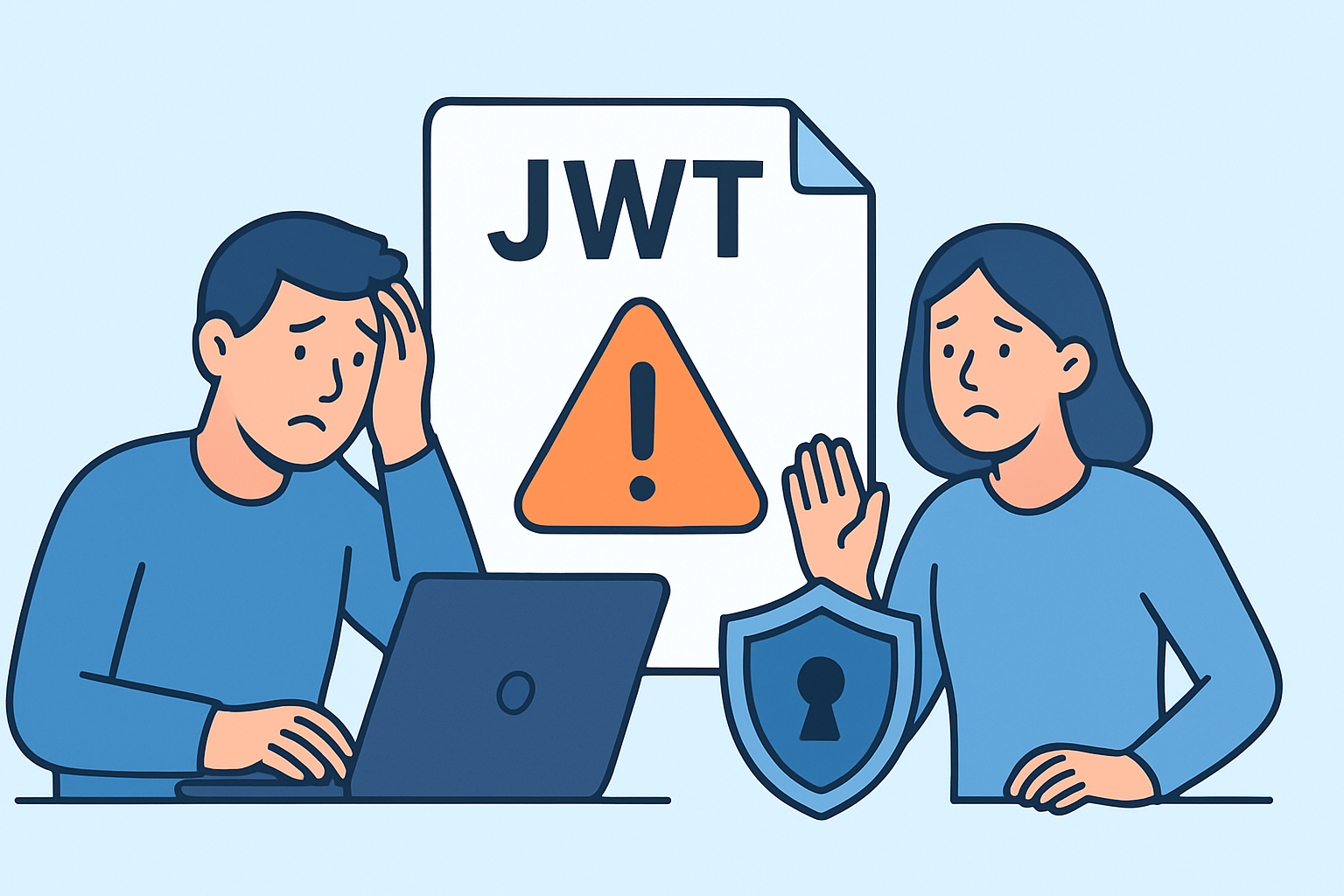
JWT security is one of the most misunderstood areas of web application security, and implementation mistakes in …

Small business web security is often treated as an afterthought – something to deal with “later,” after …

API rate limiting is one of those security controls that teams implement primarily for performance reasons – …

Preventing credential stuffing attacks on your website is one of the more urgent challenges facing development and …

Background security monitoring is the practice of continuously scanning a website for vulnerabilities, malware, and misconfigurations without …

Security headers remain one of the most underutilized defenses in web application security, and in 2025 that …
Security headers are one of the most underutilized tools in web application security, yet they can block …

Cookie security flags – HttpOnly, Secure, and SameSite – are among the most straightforward protections a web …
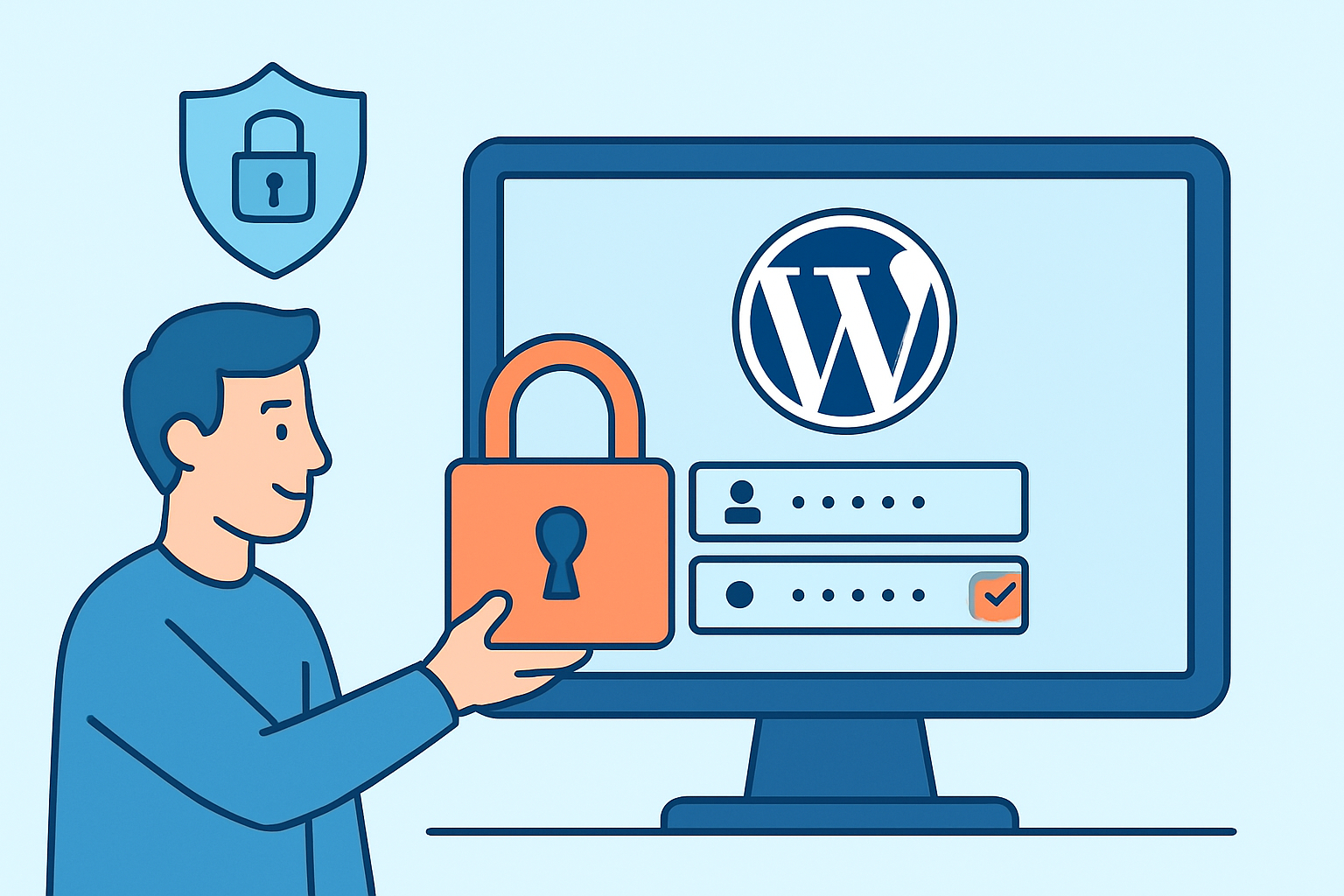
Securing the WordPress admin panel is one of the most critical steps in any WordPress security hardening …

Insecure deserialization vulnerabilities pose a significant threat to web applications that process serialized data without proper validation.

A security scanner’s false positive rate represents the percentage of legitimate code or configurations incorrectly flagged as …

Security testing for single page applications presents unique challenges that traditional web application security scanning often misses.

Website owners and developers face an increasingly complex threat landscape where DDoS attacks can cripple their online …
XML External Entity (XXE) attacks represent one of the most dangerous yet overlooked vulnerabilities in web application …

Modern web development moves fast, and security automation has become critical for keeping applications safe without slowing …

Open redirect vulnerabilities represent a critical yet frequently underestimated security risk that can devastate user trust and …

Security teams and developers face a constant challenge: new vulnerabilities emerge daily, yet manual security testing can …

Security misconfigurations represent one of the most critical yet preventable vulnerabilities in web applications today.

WordPress site owners face an escalating threat landscape where WordPress REST API security vulnerabilities represent one of …

CORS misconfiguration represents one of the most overlooked yet critical web application security vulnerabilities that developers encounter …

Development teams often struggle to balance delivering features quickly while maintaining robust website security. Automated security scanning …

Clickjacking attacks represent a persistent threat to web applications, where attackers trick users into clicking on hidden …

Website downtime caused by security attacks represents one of the most expensive yet underestimated risks facing modern …

Modern applications rely heavily on REST APIs to connect services, share data, and power mobile apps, making …

Implementing Content Security Policy (CSP) correctly provides one of the most effective defenses against XSS attacks and …

Email injection attacks represent a significant threat to web applications that handle user-submitted email data, allowing attackers …

The General Data Protection Regulation (GDPR) has transformed how websites handle personal data, but many organizations overlook …

SSL/TLS certificate validation is the cornerstone of secure web communications, yet many developers and security teams struggle …

Modern web applications rely heavily on localStorage to enhance user experience, but localStorage security risks pose serious …

Tab-nabbing represents a sophisticated phishing technique that exploits user trust through browser tab manipulation, allowing attackers to …
Server-Side Request Forgery (SSRF) attacks represent one of the most underestimated threats in web application security, allowing …

Subdomain takeover represents one of the most overlooked yet dangerous vulnerabilities in modern web application security.

GraphQL APIs are becoming the backbone of modern web applications, but they introduce unique security challenges that …

If you run a website, you might think phishing is something that only happens through email. But …

If you manage a website – whether it’s a business site, an online store, or a SaaS …

If you’re responsible for keeping a website safe – whether it’s a WordPress blog, an e-commerce store, …

If you run a website – whether it’s a business site, an online store, or a WordPress …

Finding malware on your website after Google has already flagged it is like discovering a leak after …

If you run an online store, security scanning for e-commerce isn’t optional — it’s the difference between …

When I first started working with small business websites, I thought security was something only big corporations …

If you’re running a web application and haven’t specifically tested for directory traversal attacks, there’s a real …

If you manage a website, you’ve almost certainly encountered an SSL certificate error at some point — …

If you run a website — whether it’s a small business site, an e-commerce store, or a …

If you run a business website, daily malware scanning is the single most effective habit you can …

Regular security audits are the single most effective way to catch vulnerabilities before attackers do — yet …

If you’re running a WordPress site, you’re running a target. That’s not meant to scare you — …

If you’re responsible for keeping a website or web application secure, you’ve probably faced this question: should …

If you run a website – whether it’s a business site, an online store, or a WordPress …

If you manage a website and you’ve seen a browser warning about “mixed content,” you’re dealing with …

Finding out your website has been compromised is one of the worst feelings you can have as …

If you run a website, there’s a good chance your biggest security risk isn’t some sophisticated zero-day …

If you’re running a WordPress site for your business, you’ve probably come across nulled themes at some …

If you run a website, you have probably wondered at some point whether something shady is going …

If you run a website or manage online services, here’s a question worth sitting with: when was …

You let users upload files to your website. Maybe it is a profile picture, a PDF resume, …

You see that little padlock in your browser’s address bar and feel safe, right?

If you run any kind of online service, you’ve probably seen them in your logs – those …

Getting your first security scan report can feel overwhelming.
If you’re running a website on an outdated content management system, you’re essentially leaving your front door …

When I first started managing websites professionally, I thought DNS was just about making domain names work.

Discovering that your website has been blacklisted is one of those gut-wrenching moments that can happen to …

If you run a website or manage any kind of online service, you’ve probably heard the term …

If you run a WordPress site, you’re probably aware that security matters.
If you run a website or web application, you’re essentially operating a digital storefront that’s open 24/7 …

If you’re running a website, you’ve probably asked yourself this question at least once.

If you run a website or web application, there’s a good chance you’ve heard whispers about XSS …

When you’re running a small website, security often feels like something for the big players.

If you run a website with any kind of database interaction – and let’s be honest, that’s …

Discovering malware on your website feels like finding someone has broken into your home.

You’ve built your website, invested time and money into it, and now it’s running smoothly.

If you run a website, you’ve probably heard about firewalls and security scanners.

If you run a website, you’re a potential target. It doesn’t matter if you’re a small business, …