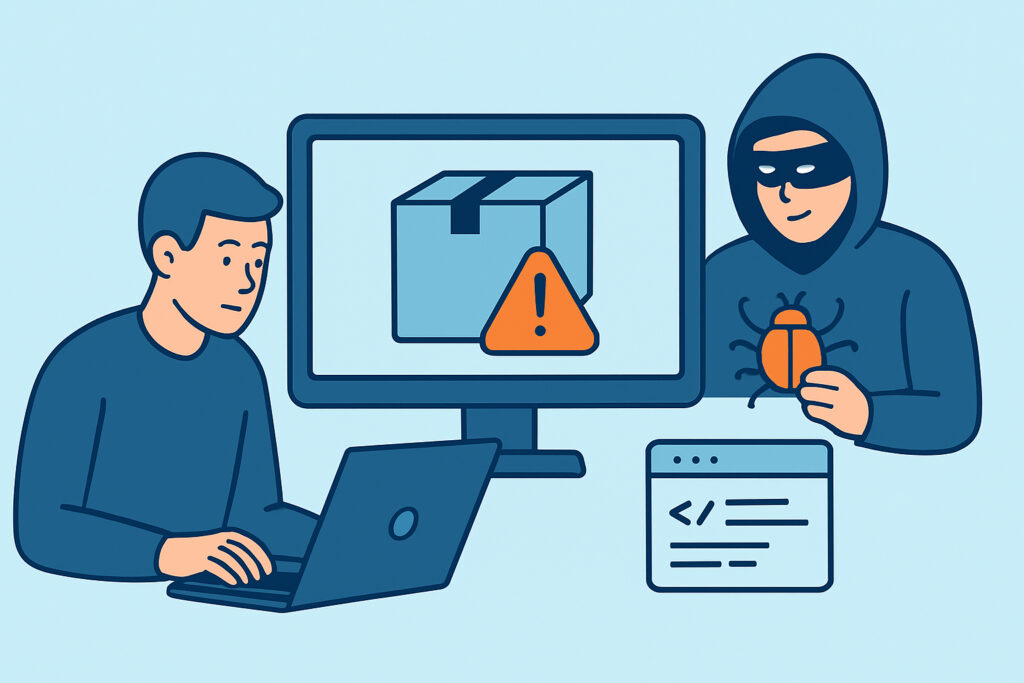
Supply chain attacks through compromised dependencies have become one of the most effective ways for attackers to breach websites that otherwise look well-defended, because the malicious code arrives through a channel developers implicitly trust. Instead of attacking a website directly, an attacker poisons a package, library, or plugin that the site already depends on, and waits for developers to pull it in through a routine `npm install` or WordPress plugin update.
This article covers how these attacks work in practice, why they slip past traditional security reviews, and what concrete steps reduce the risk without slowing development to a crawl.
What a supply chain attack through dependencies actually looks like
A typical dependency-based supply chain attack follows a predictable pattern. An attacker compromises a maintainer’s npm or PyPI account, publishes a new version of a popular package with an added backdoor, and within hours thousands of projects auto-update to the poisoned release through CI pipelines running `npm ci` or similar.
The payload is rarely obvious. It might be a few lines added to a postinstall script that exfiltrate environment variables, or obfuscated code buried inside a minified bundle that only activates in production. Because the package itself has a legitimate history and reasonable download numbers, code reviewers rarely re-audit it on every update.
A common variant involves typosquatting – publishing a package named almost identically to a popular one (`reqeusts` instead of `requests`, for example) hoping developers mistype it during installation. Another variant targets abandoned packages: an attacker takes over maintainership of a library nobody actively maintains anymore and quietly slips in malicious code, counting on the fact that nobody is watching closely.
Why dependency compromises are hard to catch
Modern web applications routinely pull in hundreds, sometimes thousands, of transitive dependencies. A single `package.json` with 20 direct dependencies can easily resolve to 800+ packages once nested dependencies are counted. No team manually reviews that volume of code on every install.
Static code review also doesn’t help much here, because the malicious behavior is often introduced after the initial audit, in a later version bump. Tools that only scan source code at commit time miss anything that changes inside `node_modules` or vendor directories between deployments.
There’s also a myth worth busting directly: many teams believe that “we only use dependencies with millions of weekly downloads, so we’re safe.” Popularity is not a security guarantee – it’s actually the opposite in some ways, since popular packages are more attractive targets precisely because compromising one yields access to a huge number of downstream victims. Some of the more damaging incidents in recent years involved packages with tens of millions of weekly installs, not obscure niche libraries.
Where this risk shows up in real projects
A common scenario: a marketing site built on WordPress relies on a handful of premium plugins for forms, SEO, and page building. One of those plugins gets acquired, changes ownership, and a subsequent update quietly adds a call to a remote server that can inject arbitrary JavaScript. Nobody on the client’s team notices, because the plugin still “works” exactly as before from a functional standpoint. This is the same category of risk covered in plugin vulnerabilities on WordPress sites, and it applies just as much to npm packages in a JavaScript stack.
On the frontend, the same problem shows up through third-party scripts and analytics tags loaded directly from a CDN. If that CDN or the vendor’s build pipeline is compromised, every site loading the script gets the malicious payload simultaneously – this is covered in more depth in relation to third-party JavaScript library risk, which overlaps significantly with dependency supply chain concerns.
Practical steps to reduce dependency risk
Pin exact versions instead of ranges. Using `^` or `~` version ranges means a compromised patch release can be pulled in automatically on the next install. Lockfiles help, but only if they’re actually committed and enforced in CI.
Review diffs on dependency updates, not just changelogs. Changelogs can be misleading or simply absent. For dependencies critical to authentication, payments, or data handling, a quick diff review before bumping the version catches suspicious additions.
Use software composition analysis (SCA) tooling. These tools compare installed package hashes against known-good registries and flag packages with suspicious maintainer changes, sudden permission escalations (like a new postinstall script), or known compromise reports.
Limit blast radius with least privilege. Build environments and CI runners shouldn’t have broad access to production secrets. If a compromised dependency executes code during install, it should hit a wall rather than have free access to API keys and credentials.
Monitor runtime behavior, not just install-time code. Some payloads only activate under specific conditions – production traffic, a certain date, or a specific referrer. Ongoing behavioral monitoring after deployment catches what static review misses. Regular external scanning fits here too, since it observes what a compromised dependency actually does once live rather than what it claims to do in its source.
Where automated scanning fits into dependency security
Dependency review reduces risk at the build stage, but it can’t catch everything, especially payloads that only trigger in production or that manifest as unexpected outbound requests, injected scripts, or altered response headers. This is where ongoing, automated checks against the live site add real value – catching a poisoned dependency by its externally visible symptoms (a new script tag, an SSRF-style outbound call, a subtly modified form action) even when the source-level review missed it. This complements the broader coverage described in how automated scanning maps to a large share of OWASP’s key vulnerability categories, since compromised dependencies often surface as injection, misconfiguration, or vulnerable-component issues on the live site.
Frequently asked questions
How quickly can a compromised dependency spread across the internet?
Within hours in many documented cases. Once a poisoned package version is published to a public registry, every CI pipeline configured to auto-update on build will pull it the next time it runs, sometimes before the maintainer or registry even notices the compromise.
Does using only well-known, popular packages protect against this?
Not on its own. Popularity increases the potential blast radius for an attacker, which makes widely used packages attractive targets rather than safe ones. Review practices matter more than download counts.
Can a security scanner detect a compromised dependency after it’s already deployed?
Yes, indirectly. While a scanner doesn’t audit package source code line by line, it can detect the resulting symptoms on a live site – unexpected scripts, altered outbound requests, new form behavior, or malware signatures – which is often how compromised dependencies get caught in practice, well before a manual code audit would have found them.
Dependency-based supply chain attacks succeed because they exploit trust that’s baked into modern development workflows – nobody re-audits every package on every install. Pinning versions, reviewing diffs on updates, and pairing that with ongoing checks on the live site closes most of the gap between what a codebase looked like at review time and what it’s actually doing in production today.