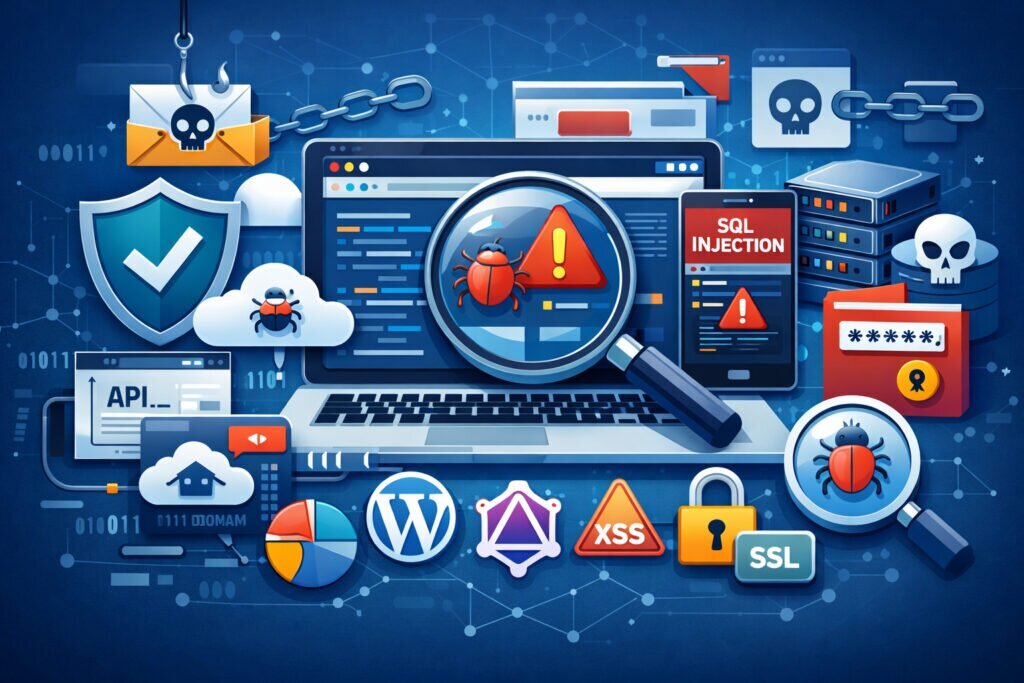
Regular security audits are the single most effective way to catch vulnerabilities before attackers do — yet most website owners treat them as an afterthought. If you’re running a business website, an online store, or managing client sites, understanding why regular security audits matter could be the difference between a minor config fix and a full-blown data breach.
Let me put it bluntly: the sites that get hacked aren’t usually the ones with zero security. They’re the ones where security was set up once and never revisited.
What a Security Audit Actually Covers
There’s a common misconception that a security audit is just “running a scanner.” That’s only part of it. A proper audit looks at your entire attack surface — server configuration, application code, third-party plugins, SSL/TLS setup, security headers, access controls, API endpoints, and even how your site handles user input.
Think of it this way: your website isn’t a static thing. Every plugin update, every new form field, every API integration changes your risk profile. An audit done six months ago might as well be from a different website.
A thorough audit should cover vulnerability categories from the OWASP Top 10 — things like SQL injection, cross-site scripting, broken authentication, and security misconfigurations. If your audit doesn’t touch these, it’s incomplete.
Why “Set and Forget” Security Fails
Here’s a scenario I’ve seen play out more times than I’d like to admit. A development team launches a site, runs a security scan, fixes the findings, and moves on. Six months later, a WordPress plugin they’re using gets a critical CVE published. Nobody notices because nobody’s scanning anymore. Three weeks after that, the site is serving malware to visitors, and Google has already blacklisted it.
The problem isn’t that they didn’t care about security. The problem is that security was treated as a one-time project instead of an ongoing process.
New vulnerabilities are disclosed daily. The WordPress plugin ecosystem alone produces hundreds of security advisories every year. Your dependencies change, your CMS gets updated (or doesn’t), and attackers constantly evolve their techniques. A security audit is only as good as the day it was performed.
How Often Should You Run Security Audits
The honest answer is: it depends on your risk profile. But here’s a practical baseline:
Daily automated scans should cover malware detection, SSL certificate validity, security header checks, and known vulnerability signatures. These catch the low-hanging fruit and alert you to sudden changes. ScanVigil runs over 150 security tests daily, covering roughly 70% of OWASP’s key vulnerability categories — entirely in the background with no maintenance on your end.
Monthly manual reviews should include checking access logs for suspicious patterns, reviewing user permissions, verifying backup integrity, and confirming that all software is up to date.
Quarterly deep audits are where you dig into application logic, test authentication flows, review API security, and assess your overall security posture against current threat intelligence.
The myth I want to bust here: “Small websites don’t need regular audits.” That’s flat-out wrong. Attackers use automated tools that scan the entire internet for known vulnerabilities. They don’t care if you have 100 visitors or 100,000. If your WordPress installation has an unpatched plugin, you’re a target. Period.
What Happens When You Skip Audits
The consequences cascade. An undetected vulnerability leads to a compromise. The compromise might go unnoticed for weeks — the average time to detect a breach for small businesses is over 200 days. During that time, attackers can inject malware, steal customer data, set up phishing pages, or use your server for spam.
Then comes the cleanup. You’re looking at downtime, lost revenue, customer trust damage, and potential GDPR fines if personal data was involved. A single incident can easily cost a small business thousands of euros — and that’s before counting the reputational damage.
Compare that to the cost of running regular automated scans and periodic manual reviews. It’s not even close.
Building a Practical Audit Routine
Start with what you can automate. Automated scanners handle the repetitive work — checking for known CVEs, testing for SQL injection and XSS patterns, verifying SSL configurations, and monitoring for malware. This should run daily without anyone touching it.
Layer manual checks on top. Review your security headers quarterly. Test your login flows. Check if former employees still have admin access. Look at your error pages — are they leaking stack traces or server versions?
Document everything. Keep a log of what was scanned, what was found, and what was fixed. This isn’t just good practice — it’s essential for compliance frameworks and for understanding your security trajectory over time.
And critically: act on findings immediately. A scan report sitting in someone’s inbox for three weeks isn’t security. It’s a false sense of security.
FAQ
How long does a security audit take?
Automated scans can complete in minutes to a few hours depending on site complexity. A manual audit of a medium-sized web application typically takes one to three days. The key is combining fast daily automated checks with periodic deeper reviews.
Can I just use a free scanner and skip paid audits?
Free scanners are a solid starting point and far better than nothing. However, they typically cover a narrower range of tests and may miss advanced threats like SSRF attacks, subdomain takeovers, or API-level vulnerabilities. For any site handling customer data or transactions, you want comprehensive coverage.
What’s the first thing I should check if I haven’t audited my site in months?
Start with the basics: verify all software (CMS, plugins, server packages) is up to date, check your SSL certificate status, and run a malware scan. These three steps alone will catch the most critical issues. Then schedule a full audit and commit to a regular cadence going forward.
The bottom line is straightforward. Regular security audits aren’t overhead — they’re maintenance. Just like you wouldn’t drive a car for two years without an oil change, you shouldn’t run a website without checking its security regularly. Start with daily automated scanning, add manual reviews on a schedule, and treat every finding as an action item. Your future self — and your customers — will thank you.