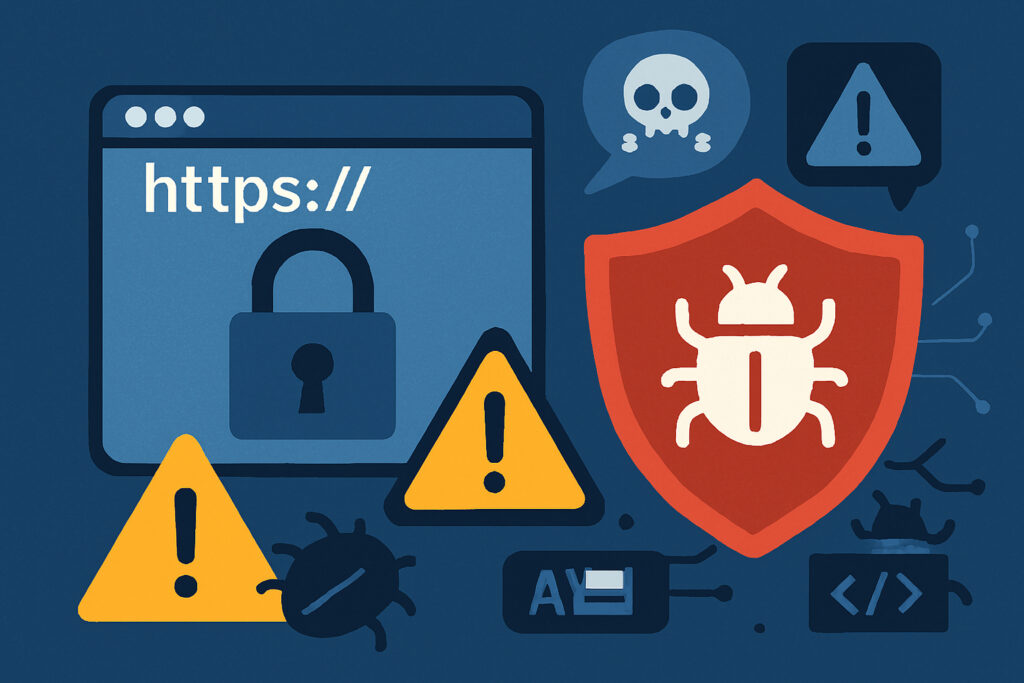
You see that little padlock in your browser’s address bar and feel safe, right? I hate to break it to you, but that green lock icon is giving you a false sense of security. HTTPS is essential, don’t get me wrong, but thinking it protects you from all threats is like believing a locked front door makes your entire house burglar-proof. Let me explain why that padlock is just the beginning of website security, not the end of it.
What HTTPS Actually Does (And What It Doesn’t)
HTTPS encrypts the data traveling between your browser and the website’s server. That’s it. It’s like putting your conversation in a sealed envelope instead of writing it on a postcard. This protects you from eavesdroppers who might try to intercept your password or credit card number while it’s in transit.
But here’s what HTTPS doesn’t do: it doesn’t verify that the website itself is legitimate, it doesn’t scan for malware, it doesn’t check if the site has security vulnerabilities, and it certainly doesn’t protect against data breaches on the server side.
I learned this the hard way a few years back when I assumed a client’s HTTPS-enabled website was secure. Two months later, they got hacked through an outdated WordPress plugin. The HTTPS didn’t matter one bit because the attacker wasn’t intercepting traffic – they were exploiting a vulnerability in the website’s code itself.
Phishing Sites Love HTTPS Too
Here’s something that surprises most people: cybercriminals can easily get SSL certificates for their phishing sites. In fact, studies show that over 80% of phishing sites now use HTTPS. Why? Because criminals know people trust that padlock icon.
Think about it – setting up HTTPS is free and takes about five minutes with services like Let’s Encrypt. A scammer can create a convincing fake banking site, slap HTTPS on it, and suddenly it looks legitimate to the average user. The padlock just means the connection is encrypted, not that the website is trustworthy.
The Real Threats HTTPS Can’t Stop
Let me walk you through the security issues that HTTPS simply doesn’t address:
SQL Injection Attacks: These happen when attackers manipulate database queries through input fields. HTTPS won’t stop someone from typing malicious code into your contact form that could expose your entire database.
Cross-Site Scripting (XSS): Attackers inject malicious scripts into your website that run in other users’ browsers. The HTTPS connection is perfectly encrypted while delivering the malicious code.
Outdated Software: Running old versions of WordPress, plugins, or server software creates vulnerabilities that attackers actively scan for. I’ve seen WordPress sites with HTTPS get compromised within hours of a known plugin vulnerability being published.
Weak Passwords: If your admin password is ”password123”, HTTPS won’t save you when someone tries to brute force their way in.
Server Misconfigurations: Improper file permissions, exposed directories, or misconfigured databases can leak sensitive information regardless of your HTTPS setup.
What Actually Makes a Website Secure
Real website security requires multiple layers of protection working together. Here’s what you actually need:
Regular security scanning that checks for vulnerabilities in your code, not just your connection. This means testing for injection attacks, XSS vulnerabilities, exposed sensitive files, and outdated components.
Active monitoring for malware and suspicious file changes. Attackers often upload backdoors that HTTPS does nothing to prevent or detect.
Proper server configuration with restricted file permissions, secure database connections, and disabled directory listing. These are fundamental security practices that exist completely independent of HTTPS.
Updated software across the board – your CMS, plugins, themes, PHP version, and server operating system all need regular updates to patch security holes.
Strong authentication practices including complex passwords, two-factor authentication, and limited login attempts.
The SSL/TLS Configuration Matters Too
Even if you have HTTPS, it can be poorly implemented. Weak SSL/TLS configurations using outdated protocols like TLS 1.0 or weak cipher suites can be exploited. Your certificate needs proper implementation, not just installation.
I’ve audited sites where HTTPS was technically enabled but configured so poorly that it barely provided any actual security benefit. The site still got an A+ from basic SSL checkers, but deeper analysis revealed it was vulnerable to downgrade attacks.
Common Myths About HTTPS
Myth 1: ”If a site has HTTPS, my data is safe.” Wrong. Your data might be safe in transit, but if the website’s database gets breached, your information is still exposed.
Myth 2: ”HTTPS protects against all hackers.” HTTPS only encrypts communication. It doesn’t prevent attacks against the website’s code, server, or applications.
Myth 3: ”HTTPS means the website owner is verified.” Basic SSL certificates verify domain ownership only, not the business or person behind the site.
How to Actually Evaluate Website Security
When you need to trust a website with sensitive information, look beyond the padlock. Check if the site has a privacy policy, look for security badges from reputable scanners, verify the business has a physical address and contact information, and search for reviews or complaints about the site.
For your own website, implement comprehensive security scanning that goes far beyond HTTPS. You need continuous monitoring for vulnerabilities, regular updates, proper access controls, and automated alerts when threats are detected.
HTTPS is your baseline, not your finish line. It’s the locked front door in my earlier analogy – absolutely necessary, but you also need alarm systems, secure windows, and maybe a guard dog too. Real security is about layers, vigilance, and understanding that no single measure protects you from every threat.