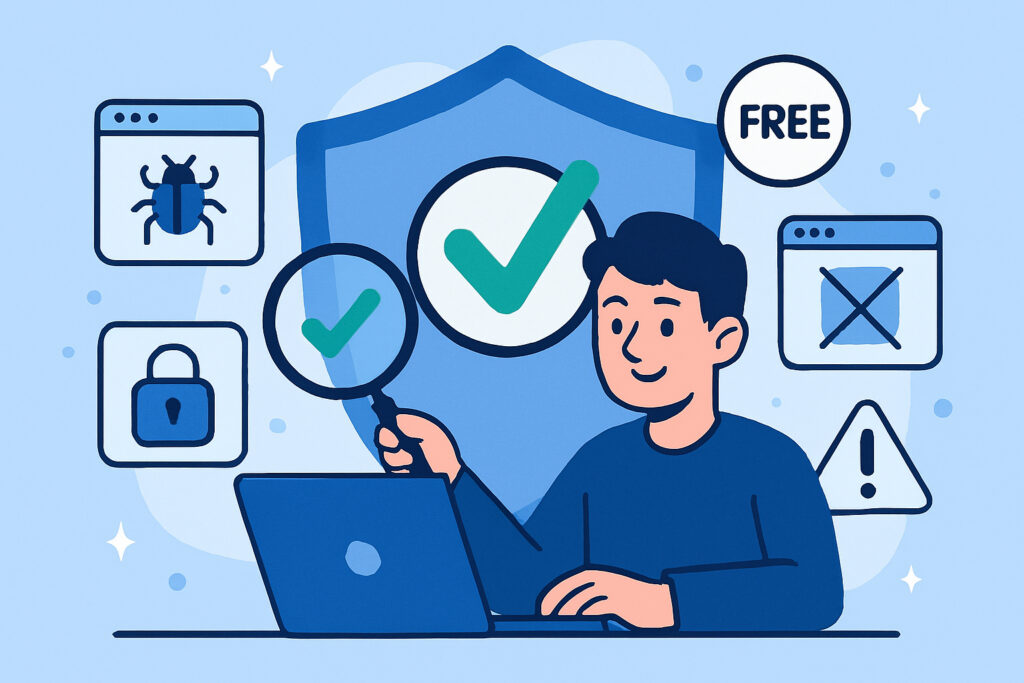
When you’re running a small website, security often feels like something for the big players. You’ve got a portfolio site, a local business page, or maybe a blog that gets a few hundred visitors a month. Why would hackers care about you? This is the exact thinking that makes small websites attractive targets. They’re often unprotected, and cybercriminals know it.
Free security scanners aren’t just nice-to-have tools anymore. They’re essential for anyone who takes their online presence seriously, regardless of size. Let me explain why.
Small Sites Are Actually Prime Targets
Here’s something most small website owners don’t realize: automated bots don’t discriminate by traffic volume. They scan the entire web looking for vulnerabilities, and your small site is just as likely to be scanned as a major e-commerce platform. In fact, small sites often make easier targets because they typically have weaker defenses.
I’ve seen this firsthand with clients who thought they were ”too small to matter.” One local restaurant’s website got compromised and was used to send spam emails. They didn’t even know it was happening until their hosting provider suspended their account. The damage to their email reputation took months to fix.
The attackers aren’t usually after your specific data. They want server resources to use for their own purposes, or they’re looking for any entry point they can exploit. Your small WordPress site might become a stepping stone in a larger attack chain.
The Real Cost of Security Breaches
When security fails, it’s not just about fixing technical issues. Small businesses can face devastating consequences. Google might blacklist your site, which means potential customers see scary warnings instead of your content. Your hosting provider might suspend your account. Customer trust evaporates overnight.
Professional security audits can cost anywhere from 500 to 5000 euros or more. For a small business operating on tight margins, that’s often not feasible. This is exactly where free security scanners become crucial. They provide a baseline level of protection that would otherwise be out of reach.
What Free Scanners Actually Do
A good free security scanner checks for common vulnerabilities without requiring any technical expertise. It looks for things like outdated software, weak configurations, malware infections, and known security holes. Think of it as a health check for your website.
These tools typically scan for SQL injection vulnerabilities, cross-site scripting issues, and other common attack vectors. They check your SSL certificate configuration, look for exposed sensitive files, and identify outdated plugins or themes that might have known vulnerabilities.
The best part is that most of this happens automatically. You don’t need to understand the technical details. The scanner tells you what’s wrong in plain language and often provides actionable steps to fix it.
Breaking Common Myths
Myth: Free means unreliable. Not true. Many free security scanners use the same detection methods as paid tools, just with some limitations on frequency or depth of scans. For a small website, these limitations rarely matter.
Myth: Security is too technical for non-experts. Modern free scanners are designed with regular website owners in mind. You don’t need to know what an XSS vulnerability is to understand that your contact form has a security issue that needs fixing.
Myth: Paid hosting includes enough security. Basic hosting security protects the server, not your website’s code or configuration. You still need to check your actual site for vulnerabilities.
Prevention vs. Recovery
Here’s something I learned the hard way: fixing a compromised site is always more expensive and time-consuming than preventing the breach. I once spent an entire weekend cleaning up a client’s hacked WordPress site. The malware had been injected into dozens of files, and we had to verify every single one. That’s not counting the lost business during downtime.
A free security scanner that runs automatically could have caught the vulnerability before it was exploited. We’re talking about 15 minutes of initial setup versus days of recovery work.
What to Look for in a Free Scanner
Not all free scanners are equal. Look for tools that check multiple vulnerability types, not just malware. You want something that examines your SSL configuration, tests for common web application vulnerabilities, and checks for outdated software components.
Automated scheduling is crucial. Manual scans are easy to forget. A good scanner runs daily or weekly without requiring your attention, then alerts you only when it finds something.
Clear reporting matters too. You should get notifications that explain what was found and why it matters, written in language you can understand without a security degree.
The Bottom Line for Small Website Owners
Security isn’t optional anymore, even for small sites. The good news is that basic protection doesn’t have to cost anything. Free security scanners provide essential coverage that can prevent most common attacks. They’re easy to set up, run automatically, and can save you from expensive disasters.
Think of it this way: you wouldn’t leave your shop unlocked at night just because you’re a small business. Your website deserves the same basic protection. Free security scanners are that lock on your digital door.