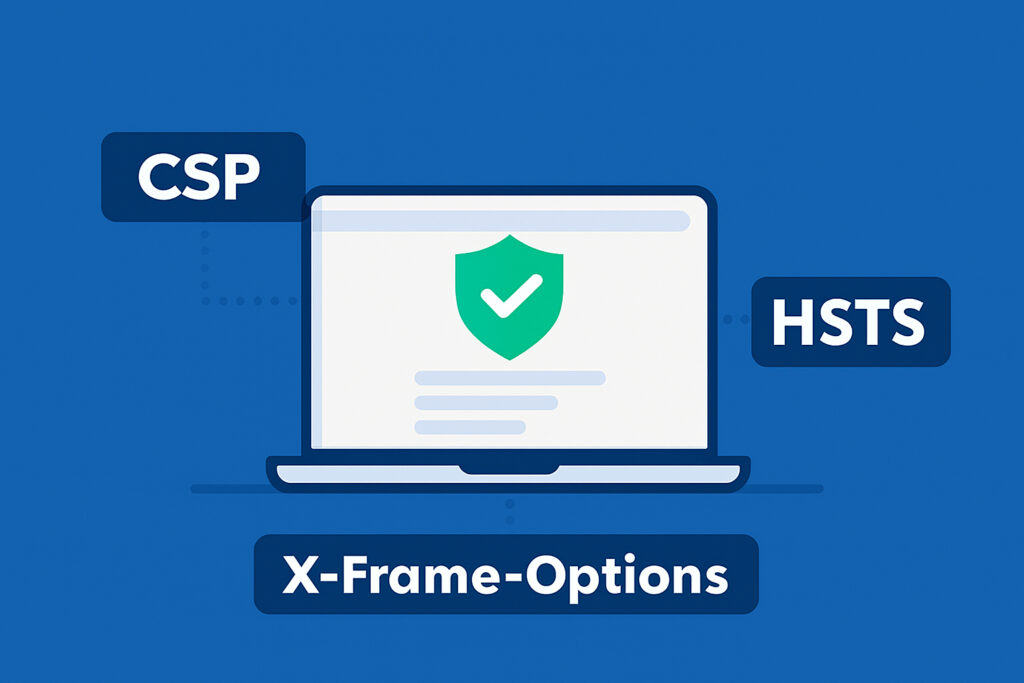
If you’re running a website, there’s a good chance you’re missing some critical security configurations that could protect your users from attacks. I learned this the hard way when I first started building web services. I thought having HTTPS was enough, but when I ran my first security scan, I was surprised to see how many header-related vulnerabilities my sites had. Security headers are one of those things that seem technical and intimidating, but once you understand what they do, they’re actually straightforward to implement.
Security headers are HTTP response headers that tell browsers how to behave when handling your site’s content. They’re like instructions that add extra layers of protection against common web attacks. The best part? They’re usually just a few lines of configuration, but they can prevent serious security issues like cross-site scripting, clickjacking, and man-in-the-middle attacks.
What is Content Security Policy (CSP)?
Content Security Policy is probably the most powerful security header you can implement. It controls which resources (scripts, styles, images, fonts) are allowed to load on your website. Think of it as a whitelist that tells the browser ”only execute code from these trusted sources.”
The main benefit of CSP is preventing cross-site scripting (XSS) attacks. XSS happens when an attacker injects malicious JavaScript into your site. Without CSP, if someone manages to inject a script tag, the browser will happily execute it. With CSP, you can block inline scripts entirely and only allow scripts from specific domains.
A basic CSP header looks like this:
Content-Security-Policy: default-src ’self’; script-src ’self’ https://trusted-cdn.com; style-src ’self’ ’unsafe-inline’
This tells the browser to only load resources from your own domain by default, allow scripts from your domain and a trusted CDN, and permit inline styles (which some frameworks need). When I first implemented CSP on one of my monitoring services, I started with a report-only mode, which logs violations without blocking them. This helped me identify which third-party scripts I was actually using before enforcing the policy.
Understanding HTTP Strict Transport Security (HSTS)
HSTS forces browsers to always use HTTPS when connecting to your site, even if a user types ”http://” in the address bar. This prevents protocol downgrade attacks where an attacker tries to intercept traffic by forcing an HTTP connection.
The header is simple:
Strict-Transport-Security: max-age=31536000; includeSubDomains; preload
The max-age value tells browsers how long to remember this rule (31536000 seconds is one year). The includeSubDomains directive applies the rule to all subdomains too, which is important if you have multiple services under one domain. The preload directive lets you submit your site to browsers’ HSTS preload lists, so users are protected even on their first visit.
I made a mistake early on by setting a short max-age value because I was nervous about breaking something. But that defeats the purpose. Once you’re confident your HTTPS is properly configured, use at least six months to a year. Just make sure you have HTTPS working correctly first, because once HSTS is set with a long max-age, there’s no easy way to undo it if something breaks.
X-Frame-Options: Preventing Clickjacking
X-Frame-Options prevents your site from being embedded in an iframe on another domain. Clickjacking attacks work by loading your site in an invisible iframe and tricking users into clicking buttons or links they can’t see. For example, an attacker could overlay your ”Delete Account” button with what looks like a ”Win a Prize” button.
There are three possible values:
X-Frame-Options: DENY completely blocks all framing. SAMEORIGIN allows framing only from your own domain. ALLOW-FROM lets you specify a specific domain, though this option isn’t supported by all browsers anymore.
For most sites, DENY is the safest choice. Use SAMEORIGIN only if you need to embed your own pages within your site. The modern alternative is using CSP’s frame-ancestors directive, which gives you more control and is better supported across browsers.
How to Implement These Headers
Implementation depends on your server setup. For Apache, you add these to your .htaccess or virtual host configuration:
Header always set Content-Security-Policy ”default-src ’self'”
Header always set Strict-Transport-Security ”max-age=31536000; includeSubDomains”
Header always set X-Frame-Options ”DENY”
For Nginx, add them to your server block:
add_header Content-Security-Policy ”default-src ’self'” always;
add_header Strict-Transport-Security ”max-age=31536000; includeSubDomains” always;
add_header X-Frame-Options ”DENY” always;
If you’re using WordPress, there are plugins that can help, but I prefer setting headers at the server level because it’s more reliable and applies to all files, not just PHP requests.
Common Questions About Security Headers
Will these headers break my site? CSP can break sites if you’re using inline scripts or third-party resources you haven’t whitelisted. Start with report-only mode to test. HSTS and X-Frame-Options rarely cause issues unless you specifically need framing functionality.
Do I need all of these? At minimum, implement HSTS if you have HTTPS. CSP provides the most protection but requires the most configuration. X-Frame-Options is quick to add and prevents a specific attack vector.
How can I test if they’re working? Use browser developer tools to check response headers, or use online tools like SecurityHeaders.com. When I run scans through my own security service, properly configured headers are one of the first things I check.
Beyond the Basics
These three headers are foundational, but there are others worth considering. X-Content-Type-Options prevents MIME-sniffing attacks. Referrer-Policy controls what information is sent in the Referer header. Permissions-Policy restricts which browser features your site can use.
The reality is that most websites are missing these basic protections. Adding security headers won’t make your site invulnerable, but they significantly raise the bar for attackers. They’re like locking your doors—simple, effective, and there’s really no good reason not to do it. Start with HSTS and X-Frame-Options since they’re straightforward, then work your way up to implementing a solid CSP policy.