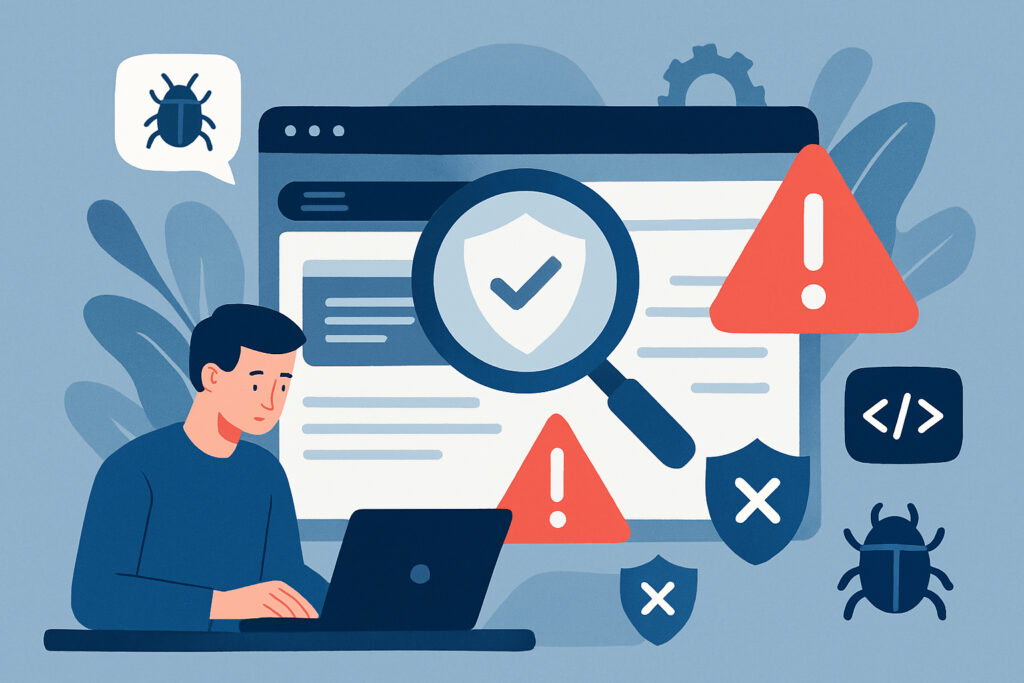
If you’re running a website, you’ve probably asked yourself this question at least once. The answer isn’t as simple as ”once a week” or ”once a month” – it depends on several factors, including what kind of site you’re running, how much traffic you get, and what kind of data you’re handling. But here’s the thing: most website owners don’t scan nearly often enough, and that’s putting their business at serious risk.
I learned this the hard way a few years back when I was managing a client’s WordPress site. We were doing monthly security checks, which seemed reasonable at the time. Then one day, we discovered malware had been sitting on the site for almost three weeks. It had been injected through an outdated plugin, and we only caught it because a customer complained about suspicious redirects. Those three weeks cost the client both money and reputation.
Why Regular Scanning Actually Matters
Let’s be honest – nobody wakes up excited about security scanning. It’s one of those maintenance tasks that feels unnecessary until something goes wrong. But here’s what most people don’t realize: hackers don’t wait for convenient times to attack. New vulnerabilities are discovered constantly, sometimes multiple times per day. A site that was secure yesterday might have a critical flaw today.
The average time to detect a breach is around 200 days, according to various security reports. That means hackers could be sitting in your system for months before you even notice. During that time, they could be stealing customer data, injecting malicious code, or using your server to attack other sites. And every day that passes makes the cleanup harder and more expensive.
Different Sites Need Different Scanning Frequencies
Not all websites are created equal when it comes to security needs. An e-commerce site handling credit card transactions needs much more frequent scanning than a personal blog. Here’s a practical breakdown:
Daily scanning is essential if you’re running an online store, handling sensitive customer data, or operating a membership site. These sites are prime targets because they process payments and store personal information. Financial sites, healthcare platforms, and anything dealing with user accounts should be scanned at least once daily.
Weekly scanning works well for business websites, portfolios with contact forms, and smaller membership communities. These sites still collect some user data but aren’t processing transactions. They’re attractive targets, but the risk is somewhat lower than high-value e-commerce sites.
Monthly scanning might be acceptable for static websites, personal blogs without user input, or brochure-style sites. Even then, I’d argue that monthly is the absolute minimum. Remember my earlier story – three weeks was too long.
What About Real-Time Monitoring?
Here’s where things get interesting. The question shouldn’t really be ”how often should I scan” but rather ”should I be monitoring continuously?” Modern security solutions can run automated checks throughout the day without impacting your site’s performance. This is actually how ScanVigil works – it performs over 150 different security tests daily, catching threats as they emerge rather than waiting for your next scheduled scan.
Real-time monitoring catches things like newly uploaded malware files, suspicious code injections, and configuration changes that might indicate a compromise. When I switched to daily automated scanning across all my sites, I started catching issues within hours instead of weeks. One site had a backdoor script uploaded through an old, forgotten upload form – the daily scan caught it the same day it appeared.
Common Myths About Website Scanning
Let me clear up some misconceptions I hear constantly. First, ”my site is too small to be a target” is completely false. Automated bots don’t care about your traffic numbers – they scan millions of sites looking for vulnerabilities. Small sites often have weaker security, making them easier targets.
Second, ”my hosting provider handles security” is only partially true. Most hosts do provide some basic protections, but they’re not scanning your site’s specific code, checking your plugins, or monitoring for application-layer attacks. That’s your responsibility.
Third, ”I’ll know if something’s wrong” is dangerous thinking. Most security breaches are designed to be invisible. Hackers want to maintain access without being detected, using your server resources or stealing data quietly over time.
What Should Your Scans Actually Check?
A comprehensive scan needs to cover multiple attack vectors. At minimum, you should be checking for malware and suspicious files, SQL injection vulnerabilities, cross-site scripting (XSS) flaws, outdated software and plugins, SSL/TLS certificate issues, email injection vulnerabilities, and configuration errors.
For WordPress sites specifically, you need checks for vulnerable themes and plugins, file integrity monitoring, and database security. WordPress powers over 40% of websites, making it a massive target. The most common attacks exploit outdated plugins or themes with known vulnerabilities.
Practical Scanning Schedule Recommendations
Based on years of managing various sites, here’s what I actually recommend: Set up automated daily scans for any site collecting user data or processing transactions. This should run in the background without manual intervention. Do weekly manual reviews of scan results and security reports, even if automated scans show everything’s clean. Perform monthly deep-dive security audits, checking things like user permissions, backup integrity, and access logs. After any major updates to your CMS, plugins, or themes, run an immediate scan.
Frequently Asked Questions
Will frequent scanning slow down my website? Not if you’re using proper scanning tools. Modern scanners work in the background and shouldn’t impact your visitors’ experience. I run daily scans on multiple sites and have never seen performance issues.
Can I just use free scanning tools? Free tools are better than nothing, but they typically offer limited coverage and no automation. You get what you pay for with security. Think of it like insurance – the cost of proper scanning is nothing compared to breach recovery costs.
What happens if a scan finds something serious? This is why regular scanning matters. Finding threats early means easier cleanup. Most good scanning services will alert you immediately to critical issues via email, giving you time to respond before real damage occurs.
Do I still need scanning if I use a security plugin? Yes. Security plugins and scanning services serve different purposes. Plugins often focus on preventing attacks through firewalls and access controls, while scanners detect existing vulnerabilities and infections. You need both.
The bottom line is simple: scan your website more often than you think you need to. The cost of proper security scanning is minimal compared to the potential damage from a successful attack. Set it up once, let it run automatically, and sleep better knowing you’ll catch threats early. Your future self will thank you.