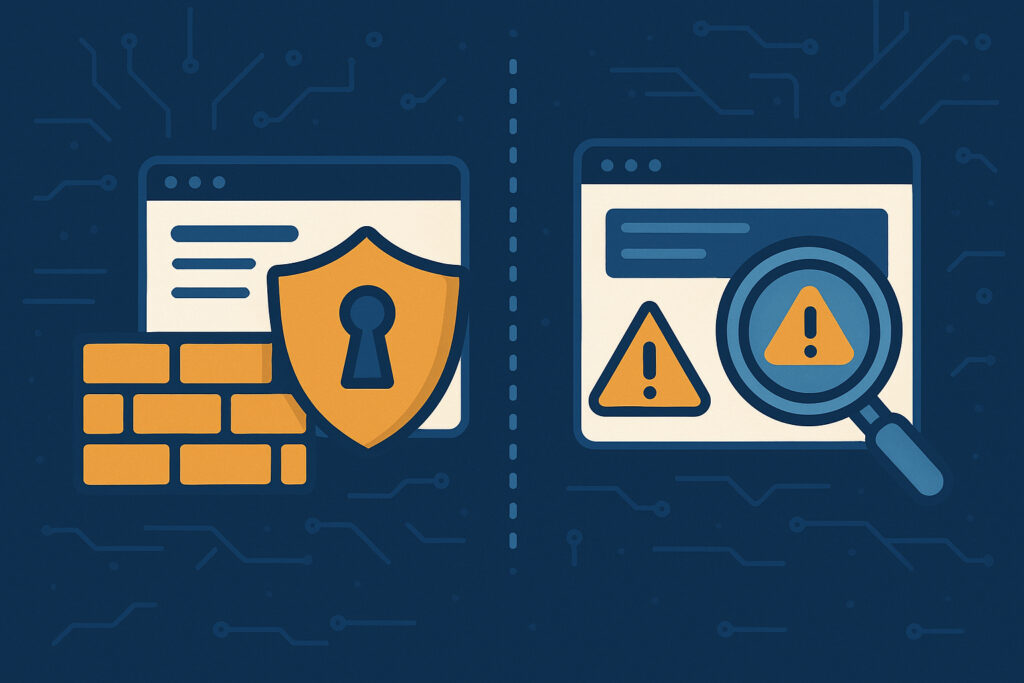
If you run a website, you’ve probably heard about firewalls and security scanners. Both sound important for security, but they work in completely different ways. Understanding the difference isn’t just technical jargon – it determines whether you’re actively blocking attacks or just finding out about vulnerabilities after they’re already exploitable.
The simple truth is this: a firewall protects you in real-time, while a scanner tells you what’s wrong. Think of a firewall as a security guard at your door, and a scanner as a home inspector who checks for weak spots. You need both, but they serve entirely different purposes.
What Is a Website Firewall?
A web application firewall (WAF) sits between your website and the internet, filtering every request that comes through. When someone tries to access your site – whether it’s a legitimate visitor or a hacker attempting an SQL injection – the firewall examines that request in real-time and decides whether to allow it or block it.
Firewalls work by analyzing patterns. They look for suspicious behavior like unusual query strings, known attack signatures, or requests coming from blacklisted IP addresses. If something looks malicious, the firewall stops it immediately before it ever reaches your server.
Popular firewall solutions include Cloudflare, Sucuri, and Wordfence (for WordPress). These services constantly update their rule sets based on new threats, so they’re always learning about the latest attack methods.
What Is a Security Scanner?
A security scanner is a diagnostic tool that examines your website to find vulnerabilities, misconfigurations, and existing infections. It doesn’t stop attacks – instead, it tells you where your defenses are weak so you can fix them.
Scanners work by running hundreds or thousands of tests against your site. They check for things like outdated software, missing security headers, SQL injection vulnerabilities, cross-site scripting (XSS) flaws, malware infections, and SSL/TLS configuration problems. After the scan completes, you get a report showing what’s wrong and, ideally, how to fix it.
I’ve been running ScanVigil for several months now, and the most common issues I see are surprisingly basic – outdated WordPress installations, plugins with known vulnerabilities, and missing security headers that take five minutes to implement. People often don’t realize these problems exist until a scanner points them out.
The Key Differences
The fundamental difference is timing and purpose. A firewall is preventive and works in real-time, while a scanner is diagnostic and works periodically.
A firewall protects your site 24/7 by blocking malicious traffic as it happens. It doesn’t matter if your WordPress core is outdated or you have a vulnerable plugin – the firewall will stop exploitation attempts in their tracks. However, it won’t tell you that these vulnerabilities exist.
A scanner, on the other hand, can’t stop anything. If someone launches an attack while you’re running a scan, the scanner won’t prevent it. What the scanner does do is give you visibility into your security posture. It shows you the weak points that attackers could potentially exploit, giving you the chance to fix them before they’re discovered by someone with bad intentions.
Why You Actually Need Both
Here’s the reality: neither tool is sufficient on its own. A firewall without scanning is like having a great lock on your front door while leaving your windows wide open. You’re blocking direct attacks, but you have no idea about the underlying vulnerabilities in your code, server configuration, or third-party components.
Similarly, a scanner without a firewall tells you about problems but does nothing to protect you while you’re fixing them. Even if you scan daily, there’s a gap between discovery and remediation where attackers can exploit the very vulnerabilities you just found out about.
The most effective approach combines both. Use a firewall to block the majority of attacks automatically, and use regular scanning to identify and fix the vulnerabilities that the firewall is currently protecting you from. This layered defense strategy is standard practice in cybersecurity.
Common Misconceptions
Many people think that having a firewall means they’re completely protected and don’t need to scan. This is dangerous thinking. Firewalls can miss sophisticated attacks, especially zero-day exploits that don’t match known attack patterns. Plus, firewalls can’t tell you about configuration problems, outdated software, or logical flaws in your application.
Another misconception is that scanning is only for finding malware. While malware detection is important, modern scanners do much more – they identify vulnerabilities before they’re exploited, check for security best practices, and verify compliance with standards like OWASP Top 10.
Practical Implementation
If you’re just starting with website security, implement them in this order: firewall first, scanner second. The firewall gives you immediate protection, which is critical. Once you have that baseline defense, add regular scanning to identify what needs fixing.
For the firewall, choose a service that fits your technical level. Cloudflare’s free tier offers basic protection and is incredibly easy to set up – just change your DNS settings. For scanning, look for solutions that run automatically and alert you to critical issues. Manual scanning works, but you’ll forget to do it regularly.
How often should you scan? For most websites, weekly scans are sufficient. If you run an e-commerce site or handle sensitive data, scan daily. The key is consistency – a scan that happens regularly is infinitely more valuable than a thorough scan that only happens once a year.
The Bottom Line
Website firewalls and security scanners aren’t competitors – they’re partners in your security strategy. The firewall guards your door, blocking threats as they arrive. The scanner is your security consultant, showing you where to reinforce your defenses. Together, they create a comprehensive approach that both prevents attacks and reduces your attack surface over time.
Don’t make the mistake of choosing one or the other. Invest in both, use them consistently, and you’ll be far ahead of most website owners who learn about security the hard way – after they’ve already been compromised.