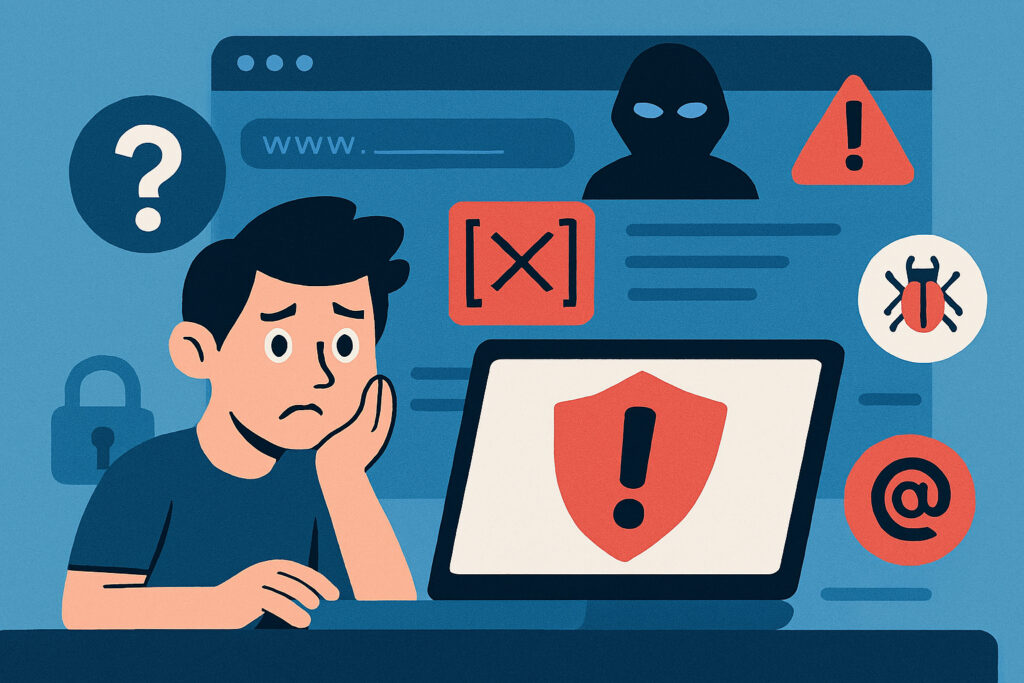
You’ve built your website, invested time and money into it, and now it’s running smoothly. Or so you think. The reality is that websites get hacked every single day, and most owners don’t even realize it until serious damage has been done. Maybe your search rankings tank, customers start complaining, or worse—your hosting provider shuts you down entirely.
I’ve seen this happen countless times, and the worst part is that the signs are often right there in front of you, hiding in plain sight. The good news? If you know what to look for, you can catch a hack early and minimize the damage. Here are seven telltale signs that your website might have been compromised.
1. Your Website Traffic Suddenly Drops or Spikes Unexpectedly
One of the first indicators of a hack is unusual traffic patterns. If your analytics show a sudden, unexplained drop in visitors, it could mean that search engines have blacklisted your site due to malicious content. On the flip side, a massive spike in traffic—especially from odd locations or at strange times—might indicate that your site is being used to distribute spam or launch attacks on other sites.
I remember checking one client’s analytics and noticing they were getting thousands of hits from random countries in the middle of the night. Turns out, hackers had injected code that was redirecting visitors to phishing sites. The traffic looked impressive on paper, but it was entirely malicious.
2. Google Flags Your Site as Dangerous
If visitors see a warning message like ”This site may be hacked” or ”Deceptive site ahead” when they try to access your website, that’s a massive red flag. Google’s Safe Browsing technology scans billions of URLs daily and flags sites that contain malware or phishing content.
Getting blacklisted by Google is serious business. It destroys trust, kills your traffic overnight, and can take weeks to resolve even after you’ve cleaned up the hack. Check your site in Google Search Console regularly—it’ll alert you if Google detects any security issues.
3. Strange Pop-ups, Redirects, or Ads Appear on Your Site
If your visitors are suddenly seeing pop-ups for suspicious products, casino ads, or getting redirected to completely different websites, your site has almost certainly been hacked. These redirects are often invisible to you as the site owner—hackers configure them to only affect regular visitors, not logged-in administrators.
This type of hack is particularly sneaky because you might never see it yourself. You’ll only find out when customers start emailing you about weird ads or when your hosting provider contacts you about malicious activity. Always test your site from different devices and browsers, and occasionally check it while logged out.
4. You Can’t Log Into Your Admin Panel
Try logging into your WordPress admin or control panel and find that your password doesn’t work? That’s often the first sign that an attacker has gained access and changed your credentials. Hackers frequently lock out legitimate administrators to buy themselves time to cause more damage or install backdoors.
Even if you can still log in, check your user list carefully. If you see unknown administrator accounts that you didn’t create, someone has been in your system. Delete them immediately and change all passwords—not just for your website, but also for your hosting account, FTP, and database.
5. Your Site’s Performance Tanks
Websites don’t usually slow down dramatically without reason. If your pages are suddenly taking forever to load, or your server resources are maxed out, it could be because malicious scripts are running in the background. Hackers often use compromised websites to send spam emails, mine cryptocurrency, or participate in distributed denial-of-service attacks.
Check your server logs for unusual activity. Look for repeated requests to suspicious files, unfamiliar IP addresses accessing your admin panel, or strange database queries. Your hosting provider can often help identify what’s consuming resources.
6. Files Have Been Modified or New Files Appear
Take a look at your website’s file system. Do you see files with strange names or in directories where they shouldn’t be? Are there recent modification dates on files you haven’t touched in months? These are classic signs of a compromise.
Hackers commonly upload shell scripts (often with names like ”shell.php” or random character strings) that give them backdoor access to your server. They might also modify existing core files to inject malicious code. This is why it’s crucial to keep regular backups of your site—you’ll need a clean version to compare against if you suspect tampering.
7. Your Email or Hosting Provider Contacts You
Sometimes the first sign that something’s wrong comes from outside. Your hosting provider might suspend your account, or you might receive notifications that your site is sending spam emails. Email blacklist notifications are particularly common—if your server is compromised, hackers often use it to blast out millions of spam messages, which quickly gets your IP address blacklisted.
Don’t ignore these warnings. Hosting providers don’t suspend accounts for fun—they’re seeing actual malicious activity. Even if your site looks fine to you, take their alerts seriously and investigate immediately.
What Should You Do If You Spot These Signs?
First, don’t panic, but do act quickly. Change all your passwords immediately—website admin, hosting, FTP, database, everything. If you have a recent clean backup, consider restoring from that. Scan your site with security tools to identify infected files, and remove any suspicious code or files you find.
For WordPress sites specifically, check your plugins and themes for vulnerabilities, and make sure everything is updated. Delete any plugins or themes you’re not actively using—they’re just extra attack vectors.
Consider running comprehensive security scans that check for the full range of vulnerabilities, from malware and SQL injections to SSL issues and configuration errors. Automated daily scanning can catch problems before they spiral out of control, and you’ll get immediate alerts if something suspicious is detected.
The key is catching hacks early. The longer malicious code sits on your site, the more damage it does—to your reputation, your search rankings, and your bottom line. Stay vigilant, keep your software updated, and never assume that just because your site looks fine on the surface, everything’s okay behind the scenes.